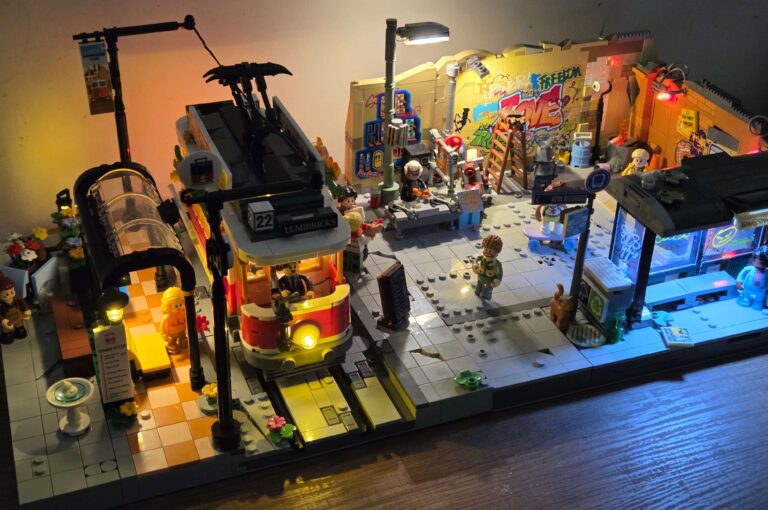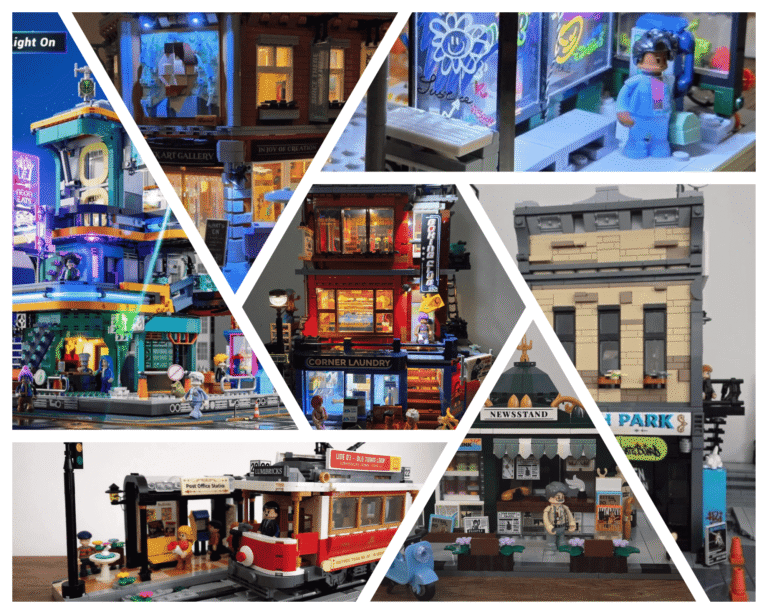


During the recent sales, I picked up a few lighting accessories from Lumibricks’ sibling company, Lightailing. Specifically, I was interested in their wireless connectors, the same type used for their wireless power solution to link modular buildings together so they can share a single power source.
If you’ve built any of the Cyberpunk sets, you’ll know how well this works. Power runs cleanly between modules, everything lights up from one source, and the whole street feels connected. It’s one of the smartest design decisions Lumibricks has made.
More recently, this wireless power solution idea has started appearing in other themes too.
- Town Life: Toy Shop, Red Brick Row
- Road Trip: Lighthouse
On paper, this is great news. In practice, though, things get a bit messy.
The Cyberpunk Approach (The Good One)
In the Cyberpunk range, the wireless connector is placed one stud in from the back, integrated directly into a MILS-style base. It’s tidy, hidden, and most importantly, consistent.
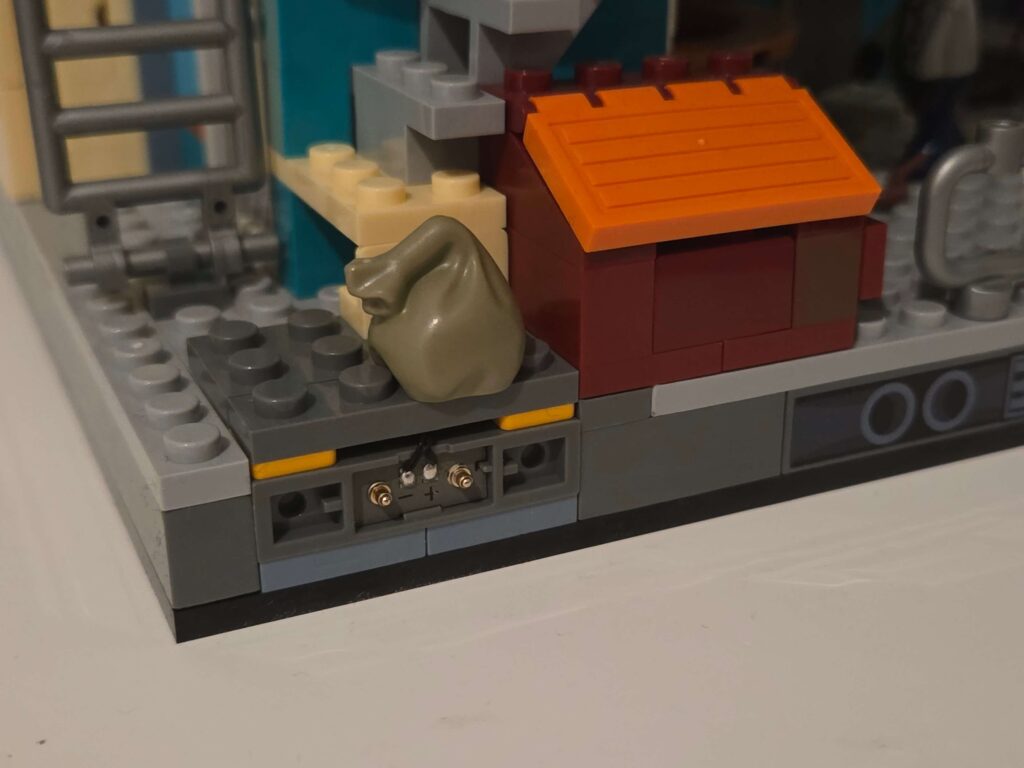
Because it lives in the base:
- It’s out of the way
- It doesn’t affect the building footprint
- Older sets can be modified fairly easily
- Streets can be rearranged without redesigning façades
This is, in my opinion, the right way to do it.
The Town Life / Road Trip Approach (The Awkward One)
In the newer Town Life and Road Trip sets, the connector is placed above the base, integrated into the building itself, roughly five studs in from the back.
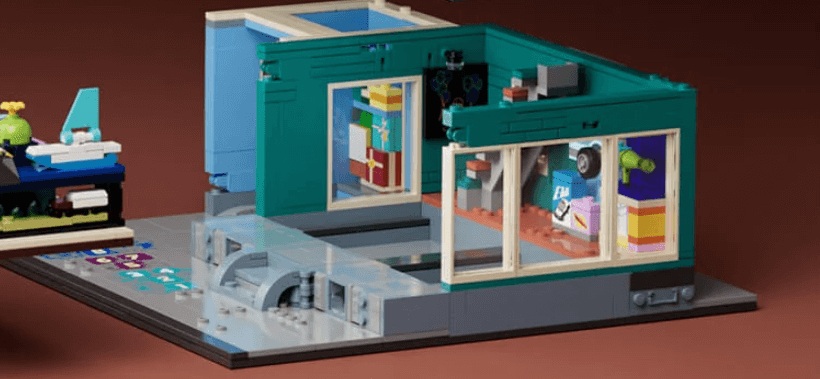
This immediately creates problems.
If the connector sits above the base:
- Buildings need to be edge-to-edge to connect cleanly
- Older sets become hard to adapt
- You lose flexibility in layout
- Any gap now needs a “solution build” to hide the connector
For example, if I wanted to retrofit something like the Brick Art Gallery, there’s often nothing at the side except a path, bench, or small detail. The only way to hide the connector would be to invent something like an electrical box, bin store, or utility structure. That’s doable once or twice, but quickly becomes annoying when you need to solve it on both sides of every building.
At that point, it stops being modular and starts being restrictive.
Why Not Standardise on the Base?
This is the part I find most frustrating.
Lumibricks already solved this problem in Cyberpunk. If they had committed to MILS-style bases across themes, the wireless connector could have been standardised there. That would have made:
- Older sets easier to upgrade
- New sets immediately compatible
- Streets far more flexible
Instead, we now have two different systems that don’t play nicely together.
My Experiments So Far
I tried a few tests of my own.
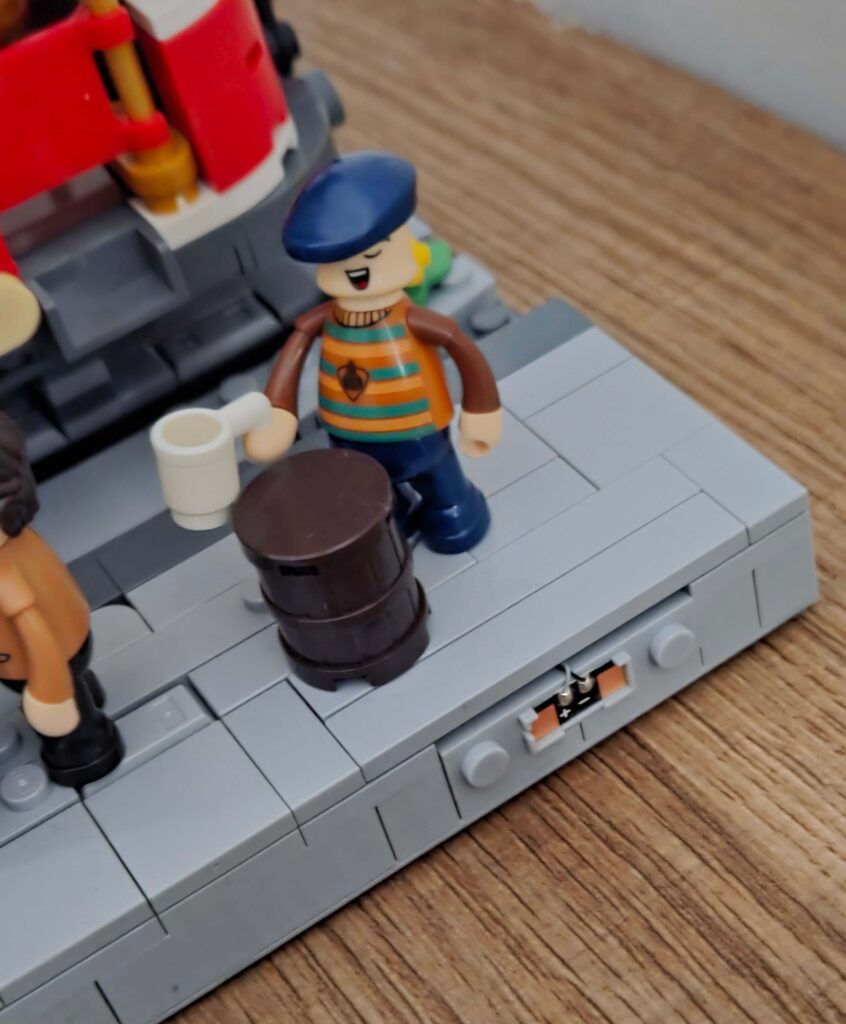
On my bus stop / street underground MOC, I added the connector two studs in from the back, integrated cleanly into the MILS base. Easy change. Worked perfectly.
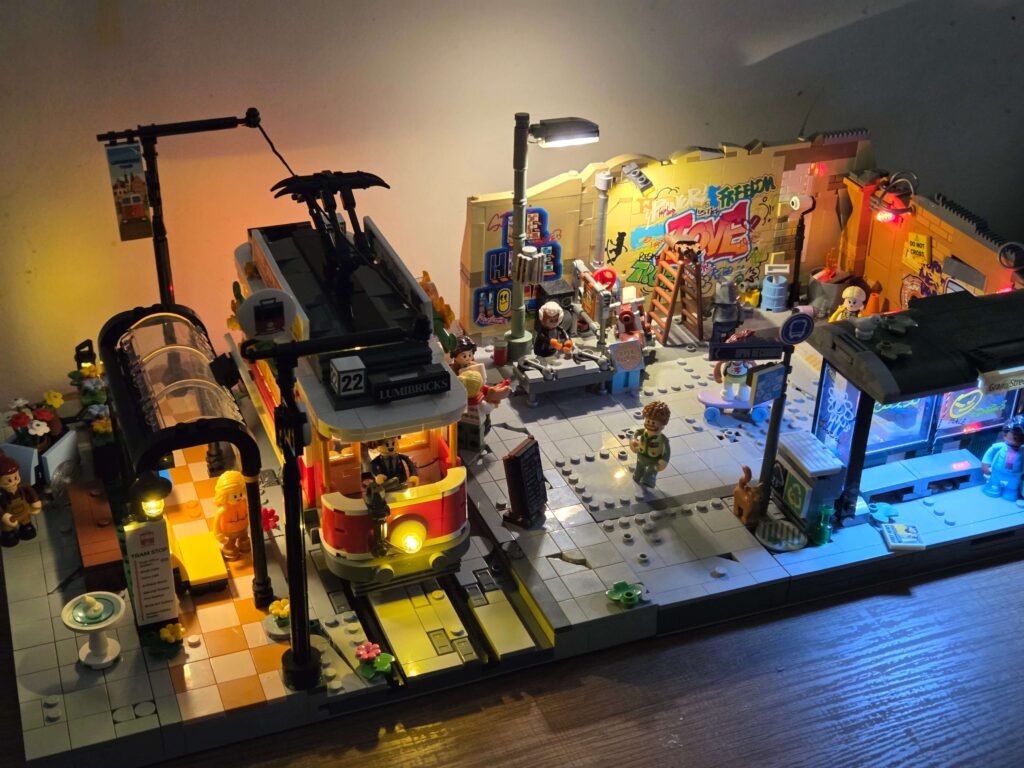
I also did the same for my Tram & Station modifications. These two now connect up perfectly.
Encouraged, I tried the same idea on the Skate Shop (Street Fusion). I managed to pry up plates and remove bricks from the MILS layer I’d already built it on, but then hit another issue: Brick Maths.
It turns out the connector housing doesn’t play nicely with standard brick geometry, it is just a fraction taller than a standard brick. This means you can’t simply lay a plate on top of it; the studs won’t click down flush. You actually need to leave a ‘gap’ in the plate layer above it and then bridge that gap with tiles.
For a scratch build, that’s easy. But for an existing set like the Skate Shop, it’s a nightmare. The floors are built using massive, solid plates. To make this work, I would have to completely dismantle the floor, remove those large plates, and rebuild the entire sub-floor with smaller plates just to create a gap for the connector. Suddenly, a 10-minute upgrade looked like a 3-hour rebuild. Sigh.
Where This Leaves Me
Right now, I’m in a bit of limbo.
I don’t want to:
- Force every building to be full-width
- Add awkward filler structures everywhere
- Dismantle half-built sets just to move a connector
So for now, I’m leaning towards inventing my own standard and modifying sets as needed, keeping the connector in the baseplate, Cyberpunk-style, wherever possible.
It’s not ideal, but it feels like the least painful long-term solution.
Final Thoughts (For Now)
This isn’t a finished guide or a complaint post. It’s me documenting a real design problem I’ve run into while trying to build a cohesive, powered modular street using Lumibricks sets.
The wireless system itself is excellent.
The lack of standardisation is the issue.
I’ll keep experimenting and will report back if I land on a clean, repeatable solution.
If you’ve tackled this yourself or have ideas on how to handle it better, I’d genuinely love to hear them.